
System design interviews · candidates के लिए
An AI system design interview assistant for when your mind goes blank.
Pick Technical interview before the call. InterviewAssist keeps the challenge in view, suggests the clarifying questions to ask first, writes the design with the data flow step by step, and draws the architecture so you can sketch it yourself.
- शुरू करना फ्री
- क्रेडिट कार्ड की जरूरत नहीं
- ब्राउज़र में चलता है · Mac और Windows ऐप्स
Offers landed
Our users receive offers from the following companies

Starts with से जुड़े सवाल
When you get the challenge, What to say next lists the clarifying questions to ask and the assumptions to design for.
The flow, step by step
Every design answer includes the data flow: which endpoint is called, which record changes, and what the client does next.
A diagram से copy
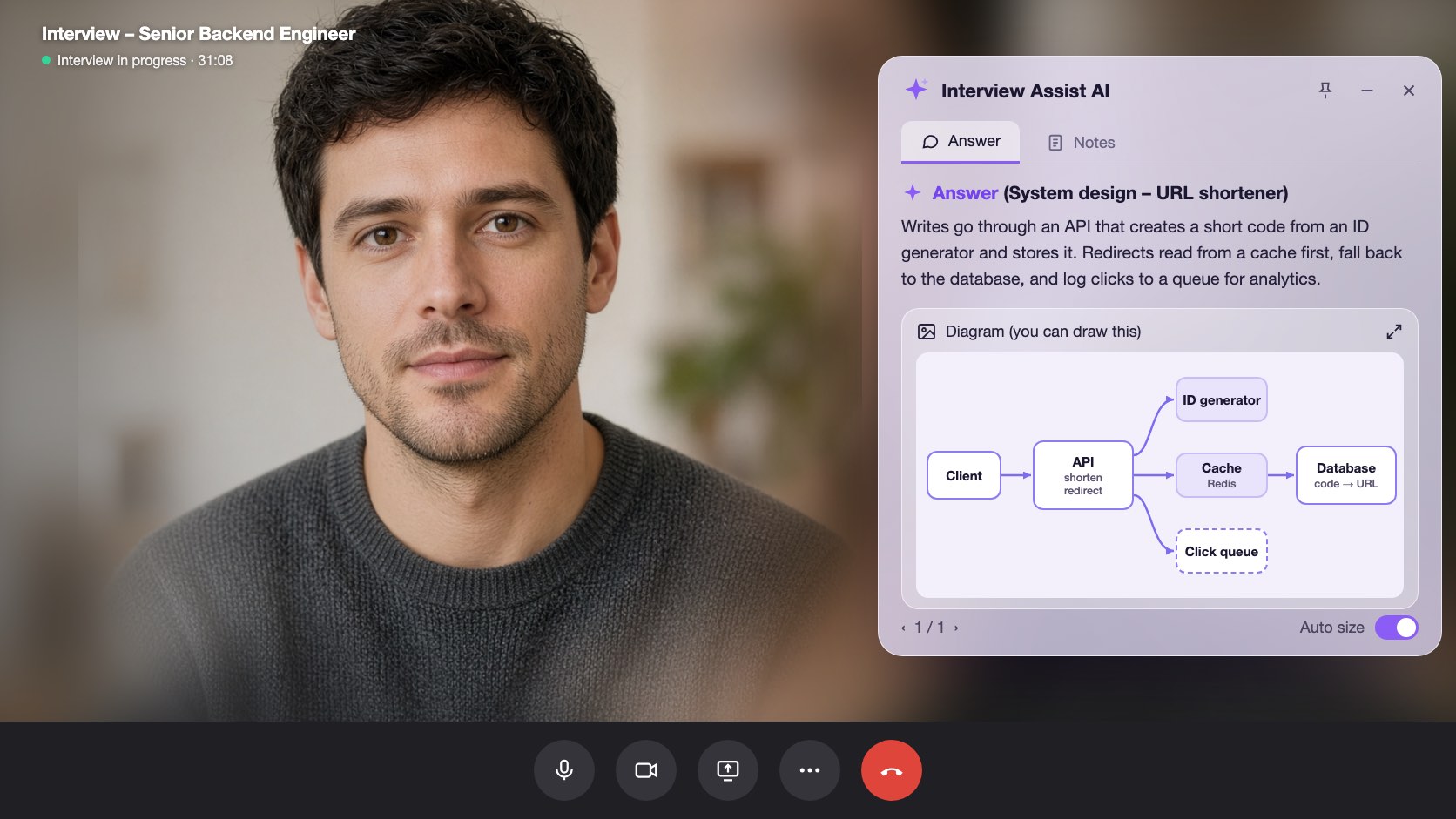
Generate diagram draws the high-level architecture. Zoom in, then sketch it in Excalidraw, Miro, or on the whiteboard.
क्षमताएं
system design interviews क्या करता है
नीचे दी गई हर capability हर plan में शामिल है और उसी CV / रिज़्यूमे, जॉब पोस्ट और स्टोरीज़ के साथ काम करती है जो आपने पहले जोड़ी हैं।
01
Clarifying questions first
Scale, file sizes, latency, and consistency: the questions that set up the design, plus an Assuming line you can say out loud when the interviewer leaves it to you.
Clarify requirements
आगे क्या बोलेंपूछें
Do listeners need it right away?
Assuming
Files up to 200 MB, about 1M uploads a day
02
A design answer in a fixed shape
Clarify requirements, high-level design, data flow, core components, scaling and reliability, trade-offs, and likely follow-ups, always in that order so you know where to look.
Data flow
Step by step1
POST /uploads: record created (status: pending)
2
Client PUTs the file to object storage
3
POST /uploads/{id}/complete: job queued
03
Generate diagram
One click draws the architecture of the system being discussed, from the challenge, your screen scans, or the conversation. Zoom in and out to read it.
Generate diagram
Zoom 100%Boxes
Client, API, Upload DB, Object storage, Queue, Worker
Use it
Copy it onto the whiteboard in your own words
साथ में शामिल
The challenge stays in view
Paste the challenge, or let the copilot hear it on the call. It stays in context for every answer, even an hour into the round.
Scan screen memory
Scan a prompt from a shared doc or whiteboard. The text is kept for later answers, so the copilot still knows the challenge after the conversation moves on.
आगे क्या बोलें
Stuck mid-design? Get the next step to explain or the next question to ask, based on what was just discussed.
अपने browser में system design interviews ट्राय करें
sample data के साथ interactive preview. आप यहां जो भी click करेंगे, वह save नहीं होगा।
 InterviewAssist · System design roundसुन रहा है24:17मिनी व्यू


ट्रांसक्रिप्ट
Challenge
Design a service where users upload audio files.
Heard on the call. You can also paste it or scan it from the screen. Every answer and What to say next see it.
1 / 4 · Technical interview: the challenge
Pick Technical interview before you start. The copilot keeps the challenge in view, whether you heard it on the call, pasted it, or scanned it from the screen.
कैसे काम करता है
system design interviews कैसे इस्तेमाल करें
- 1
Choose Technical interview
On the interview page, set Interview type to Technical interview before you start.
- 2
Add the challenge
Paste it, scan it from the screen, or let the interviewer read it out.
- 3
Ask, then design
Open What to say next for the clarifying questions, then press Space for the design answer.
- 4
Draw it
Click Generate diagram and copy the architecture onto the whiteboard.
उन पलों के लिए बनाया गया, जब सही जवाब मायने रखता है
- File upload and storage services
- URL shorteners
- Chat and notification systems
- News feeds and timelines
- Payment and order flows
- Rate limiters and caches
System design interviews: InterviewAssist की तुलना
देखें, लोग जिन tools को पहले try करते हैं, उनके मुकाबले यह कैसा है।
| क्षमता | InterviewAssist | General AI chatbot | सिर्फ प्रैक्टिस के लिए prep ऐप |
|---|---|---|---|
| Hears the challenge on the call | |||
| Clarifying questions before the design | प्रॉम्प्ट देने पर | कभी-कभी | |
| Architecture diagram during the round | प्रॉम्प्ट देने पर |
FAQ
System design interviews से जुड़े सवाल
कोई सवाल बाकी है? हमसे संपर्क करें
Can AI help in a system design interview?
Yes. InterviewAssist listens to the round and, in Technical interview mode, gives you clarifying questions, a design answer with the data flow step by step, and an architecture diagram. You still explain the design in your own words.
How does it know what system I am designing?
From the challenge you paste, from screen scans, or from the call itself. If nothing names a system yet, Generate diagram says there is not enough to draw.
Does it draw system design diagrams?
Yes. Generate diagram draws one high-level architecture diagram you can zoom in on. It is a reference for sketching in your own tool, such as Excalidraw, Miro, or a whiteboard.
Which system design questions does it handle?
Any prompt the interviewer gives, such as an upload service, a URL shortener, chat, a news feed, payments, or a rate limiter. Answers follow the same sections every time.
How is this different from the coding interview copilot?
Coding rounds get the approach, complexity, and code. Technical interview mode is built for design rounds: requirements, data flow, components, trade-offs, and a diagram.
Does it work in the desktop app?
Yes. The Interview type picker is on the interview page in the web app and in the Mac and Windows apps.
Related features
कैंडिडेट्स
कोडिंग इंटरव्यू
कोडिंग सवालों के लिए अप्रोच, complexity और working code रियल टाइम में पाएं—कॉल से या आपकी स्क्रीन से। सिस्टम डिज़ाइन राउंड्स के लिए भी।
और पढ़ेंकैंडिडेट्स
लाइव Copilot
हर इंटरव्यू सवाल का मजबूत जवाब रियल टाइम में पाएं, साथ में चलते-चलते लाइव कोचिंग टिप्स भी। Zoom, Meet, Teams और फोन कॉल्स पर काम करता है।
और पढ़ेंकैंडिडेट्स
मॉक इंटरव्यू
जिस जॉब को आप चाहते हैं, उसके लिए बने AI इंटरव्यूअर के साथ प्रैक्टिस करें। अपने जवाब बोलें, हर जवाब पर स्कोर पाएं और साफ देखें क्या सुधारना है।
और पढ़ेंसभी के लिए
वेब ऐप
Chrome या Edge में चलता है, कुछ इंस्टॉल नहीं करना। कॉल का tab शेयर करें या mic इस्तेमाल करें और रियल-टाइम इंटरव्यू जवाब पाएं। Mac और Windows पर भी।
और पढ़ेंअपने अगले इंटरव्यू में पूरी तैयारी के साथ जाएं।
अपना CV / रिज़्यूमे और जॉब पोस्ट जोड़ें, मॉक इंटरव्यू करें, और कॉल के दौरान लाइव Copilot को साथ रखें। सेटअप में करीब पांच मिनट लगते हैं।
शुरू करना फ्री · क्रेडिट कार्ड की ज़रूरत नहीं